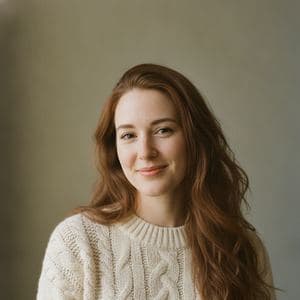
 Combined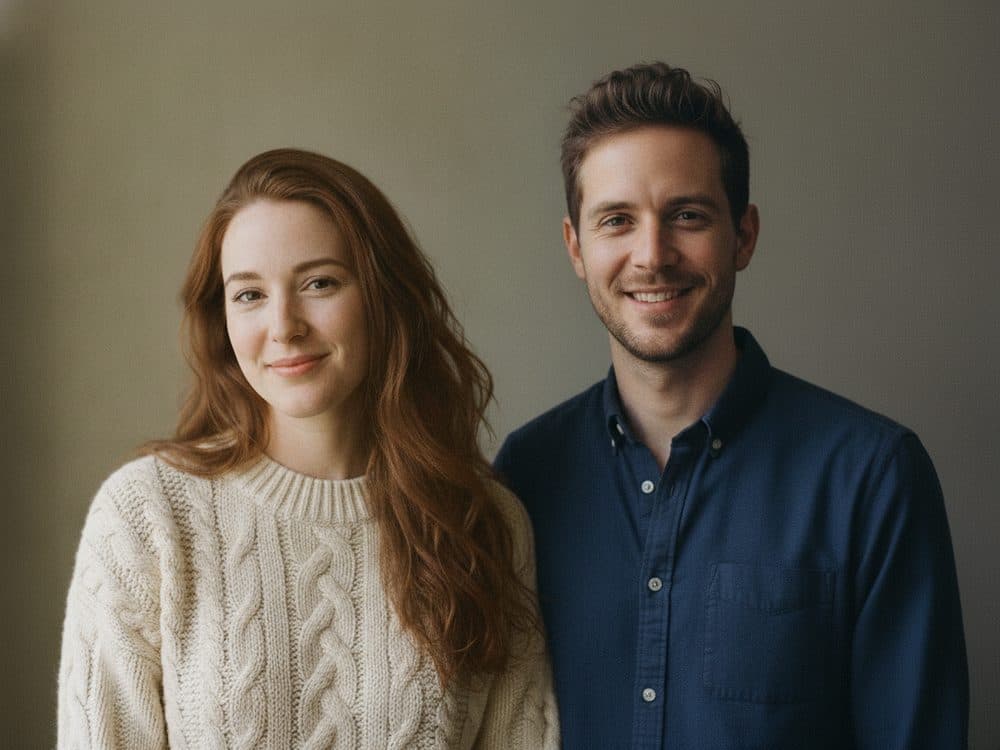
Couples & romantic
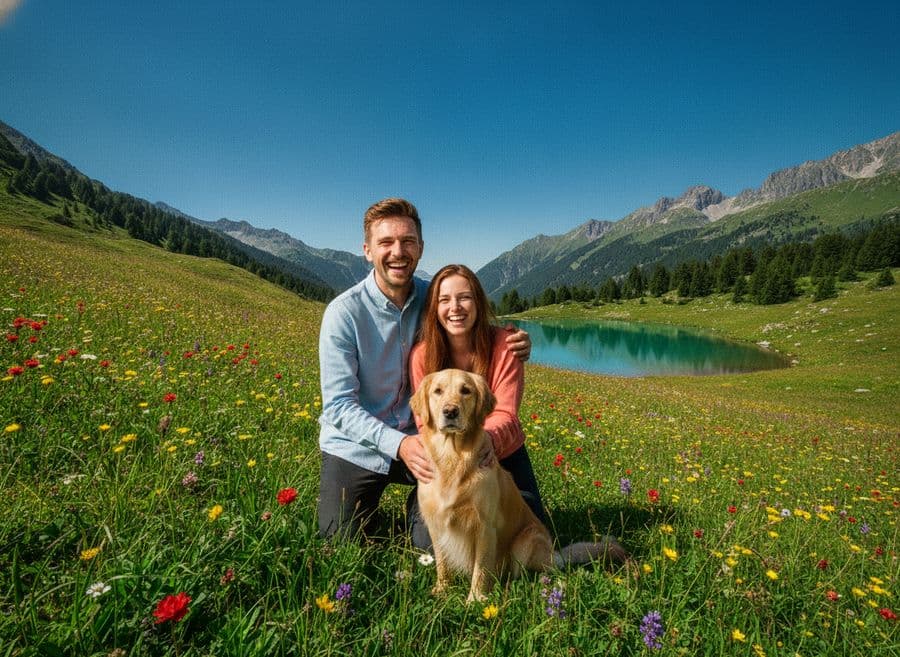
Two portraits taken apart, in one photo that looks like a single moment.
Upload two to four pictures, describe the result in a sentence, and get one image back — matched lighting, real shadows, faces still recognisable. Set yours up below; no account needed to start.
Upload, reorder and label up to four images, then say what the result should look like. No account needed to set it up.
The old way was an hour of pen tool, feathering and shadow painting. This is the same job, described in a sentence.
Two to four files, JPG, PNG or WebP, up to 12 MB each. The first one you add sets the lighting and camera angle for the result, so lead with the shot you like most.
One sentence in plain English — who goes where, which light wins, what must not change. Or skip the typing and pick a preset that already contains the right instruction.
About ten seconds later you get a single image at full resolution. Not quite there? Tweak the sentence and run it again — the second attempt is usually the one.
Every result below was made by merging the two photos beside it — nothing here is an illustration of what the tool might do.
CombinedTwo portraits taken apart, in one photo that looks like a single moment.
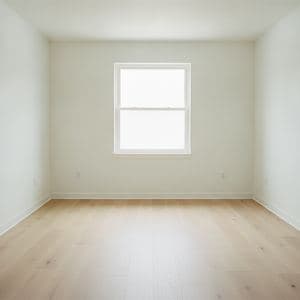
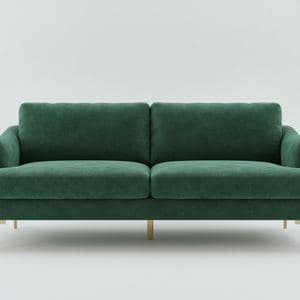 Combined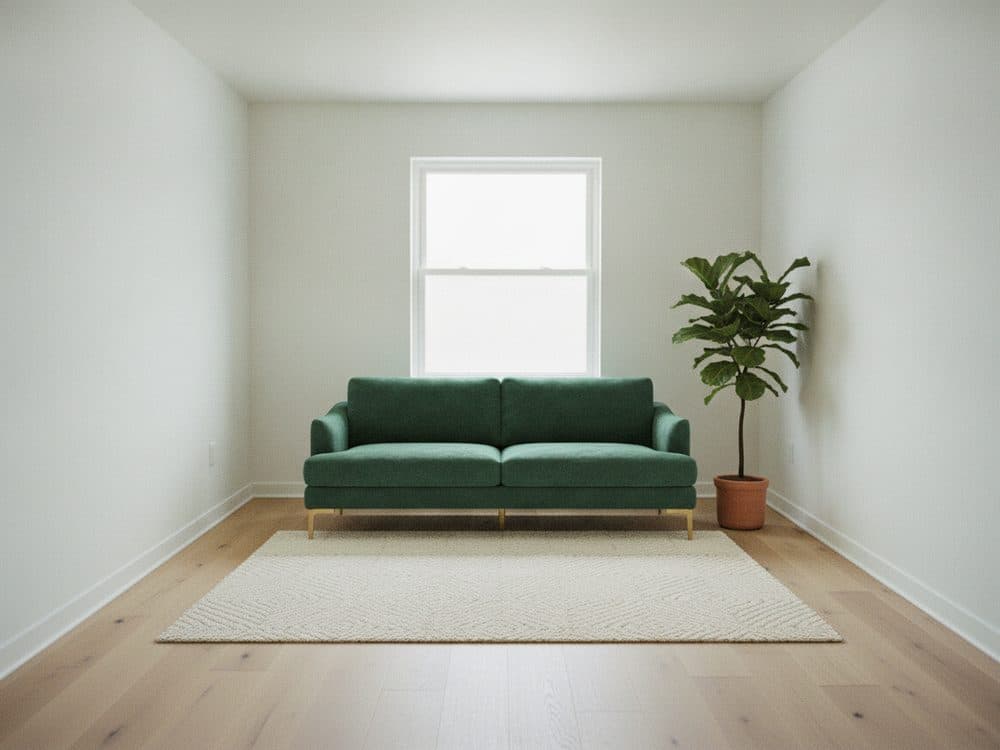
Drop real furniture into a real room before you spend a penny on it.

 Combined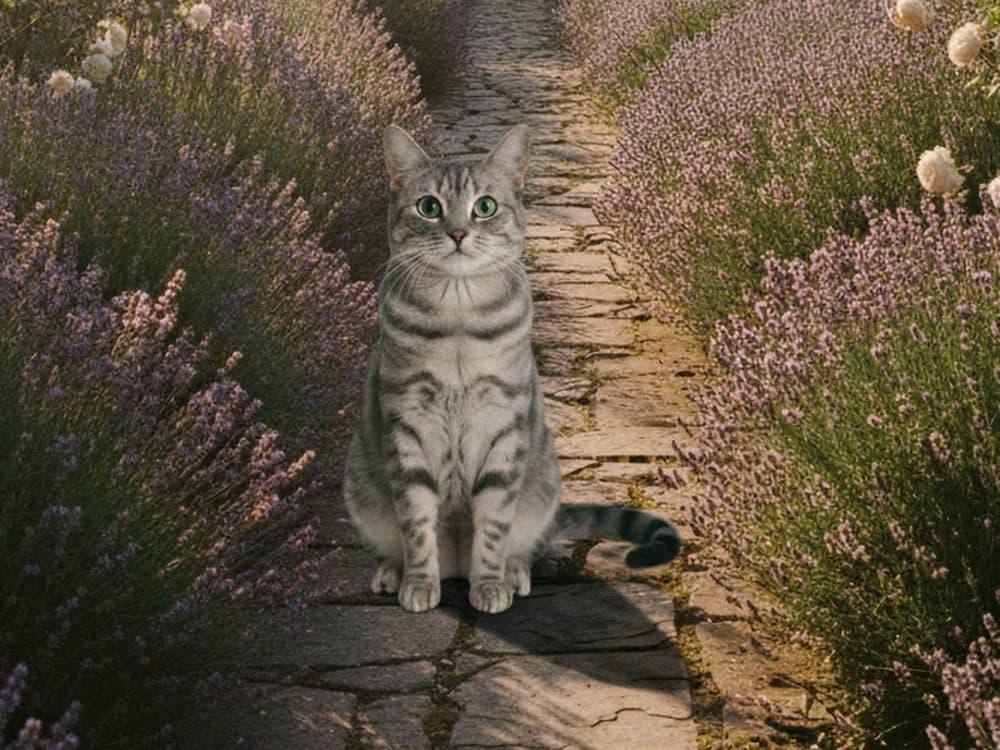
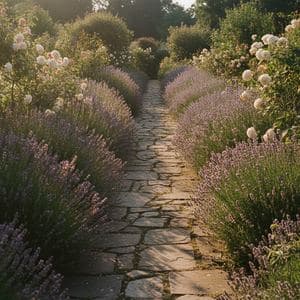
Your pet, somewhere far better than the corner of the sofa.
 Combined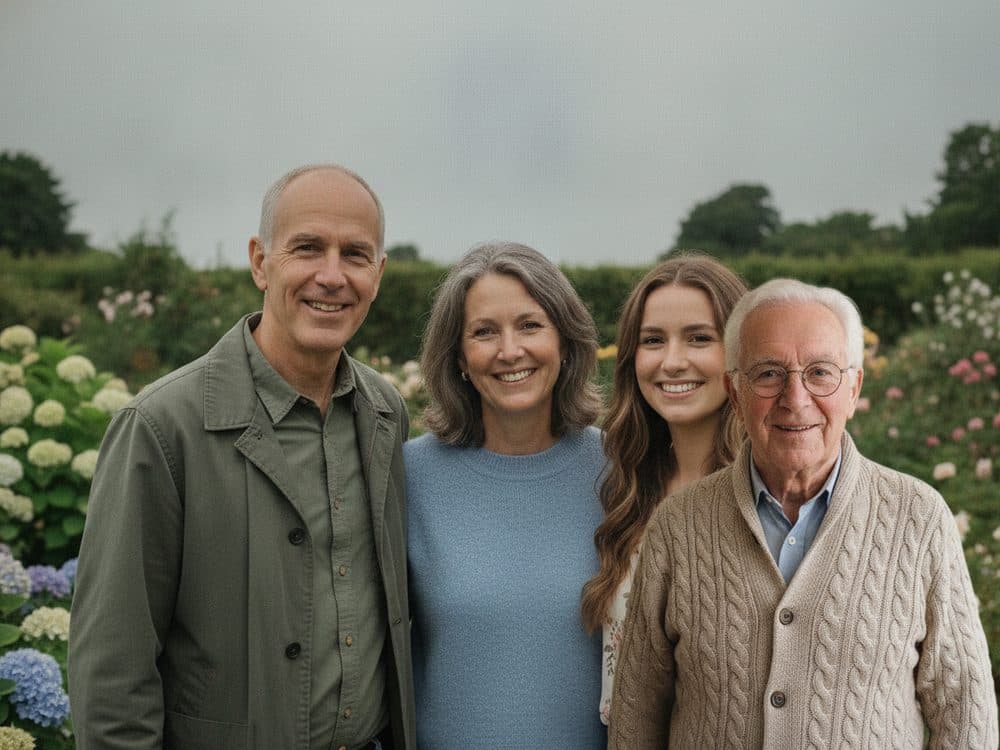
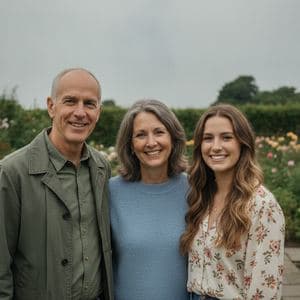
Add the person who couldn't be there, lit like they always were.
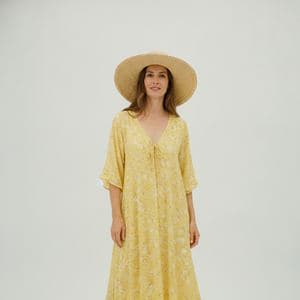
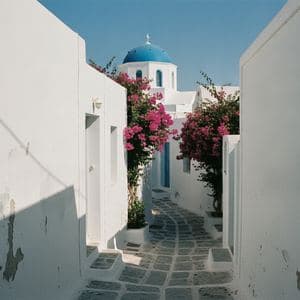 Combined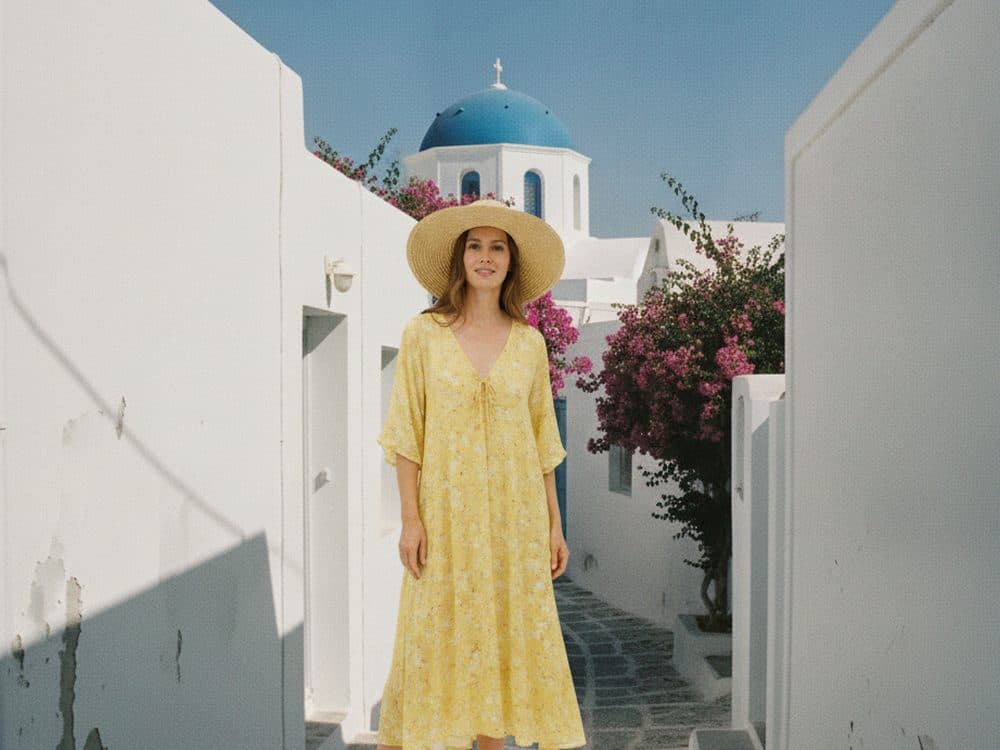
Stand in the street you never got a clean shot of.

 Combined
A cluttered spare room becomes a clean studio backdrop.
 Combined
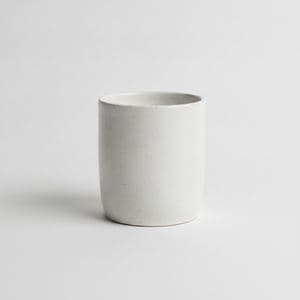
One pack-shot, as many lifestyle scenes as you need.
 Combined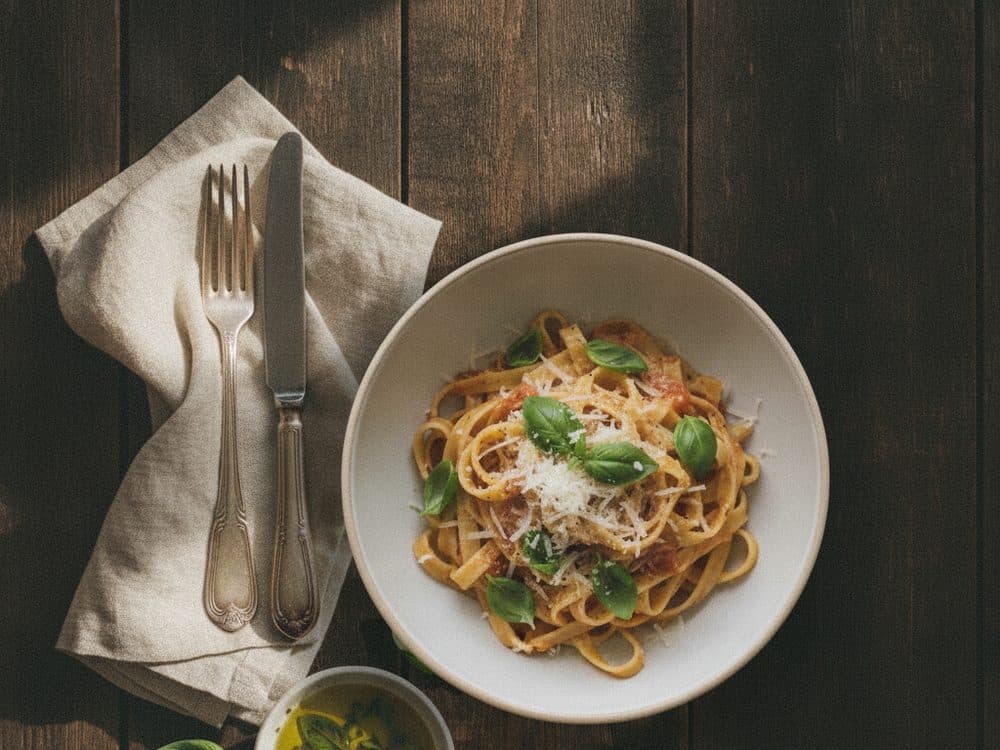
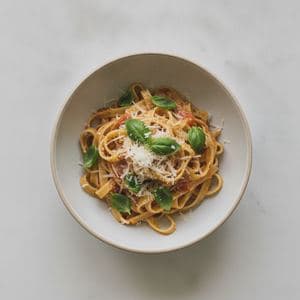
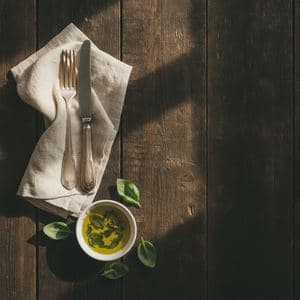
Plate it once, then style the table around it.
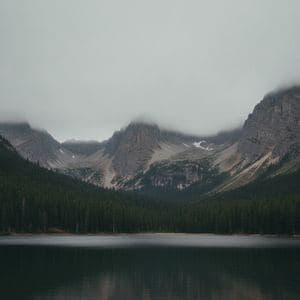
 Combined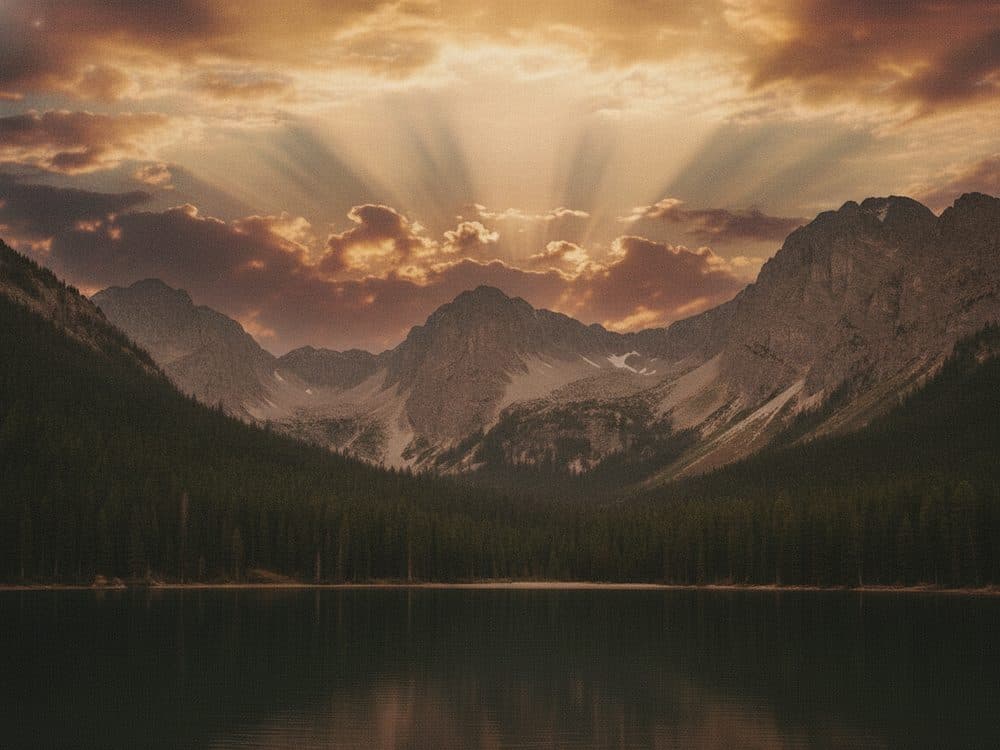
Keep the landscape. Replace the sky that let it down.

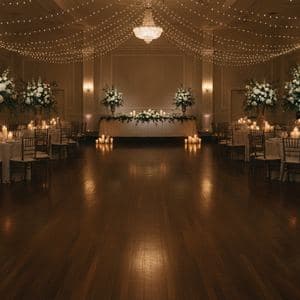 Combined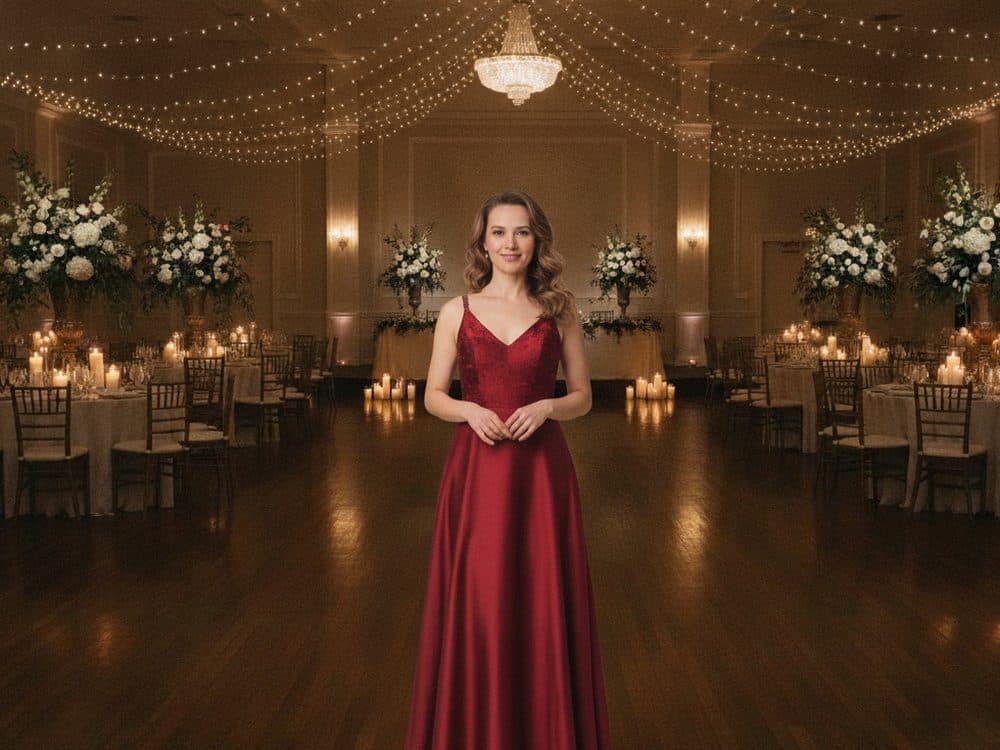
Put the outfit in the room, before the day itself.

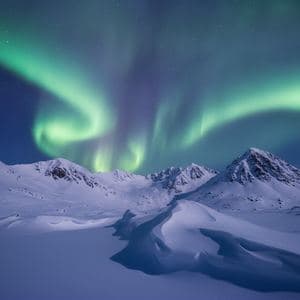 Combined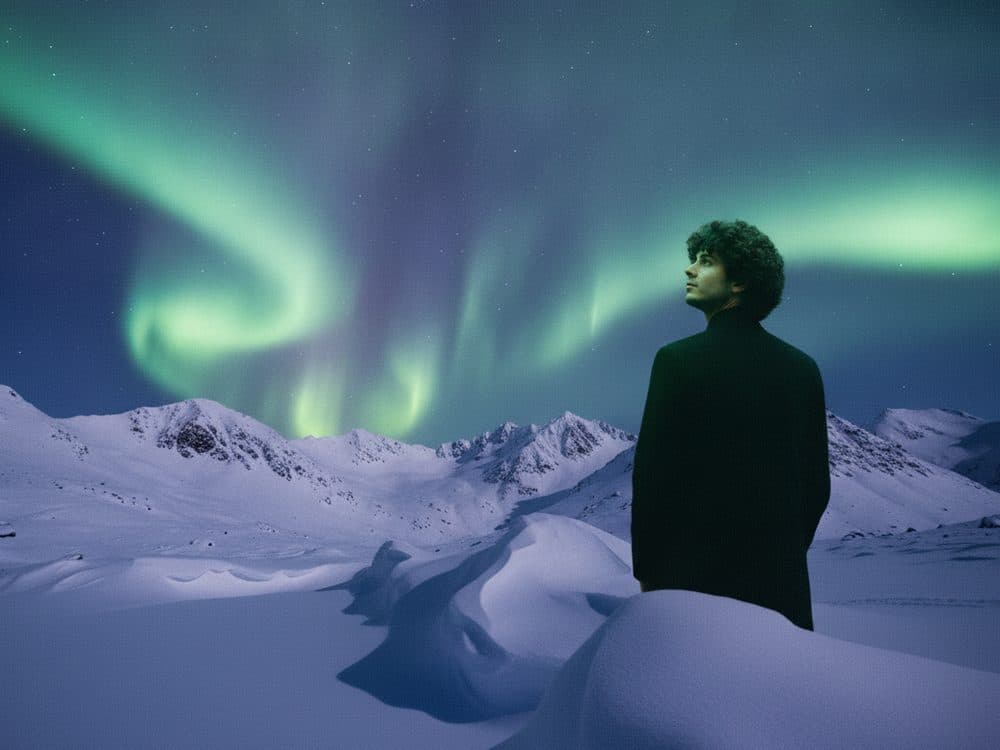
Somewhere that would take a flight and a lot of luck.
Your two photos work the same way. Set yours up before you pay for anything.
Try it with your photosEvery preset is a written instruction we tuned by hand. Pick the one that matches your job and the prompt writing is already done.
Takes two portraits and rebuilds them as a single frame — matched lighting, shared shadows, consistent depth of field.
2–4 images · 1 credit
Image one is the subject, image two is the new location. Edges, spill light and reflections get handled for you.
2–4 images · 1 credit
Drop a clean product cut-out into a styled environment without losing label detail or shape.
2–4 images · 1 credit
Uses the second image purely as a look reference — palette, grain, contrast — and leaves your subject intact.
2–4 images · 1 credit
Fits a garment to the person's pose and body, keeping fabric texture and print alignment honest.
2–4 images · 1 credit
Keeps the architecture of your space and brings in the furniture and mood from a second photo.
2–4 images · 1 credit
Bends flat artwork around fabric, curves and folds so it looks printed rather than pasted.
2–4 images · 1 credit
Repairs scratches and fading on scanned photos, then brings the subjects together in one clean frame.
2–4 images · 1 credit
Merges people from different photos into a warm seasonal setting that still looks like a real photograph.
2–4 images · 1 credit
It was making the second one look like it was always there. Six things we spend our engineering time on, in order of how often they break other tools.
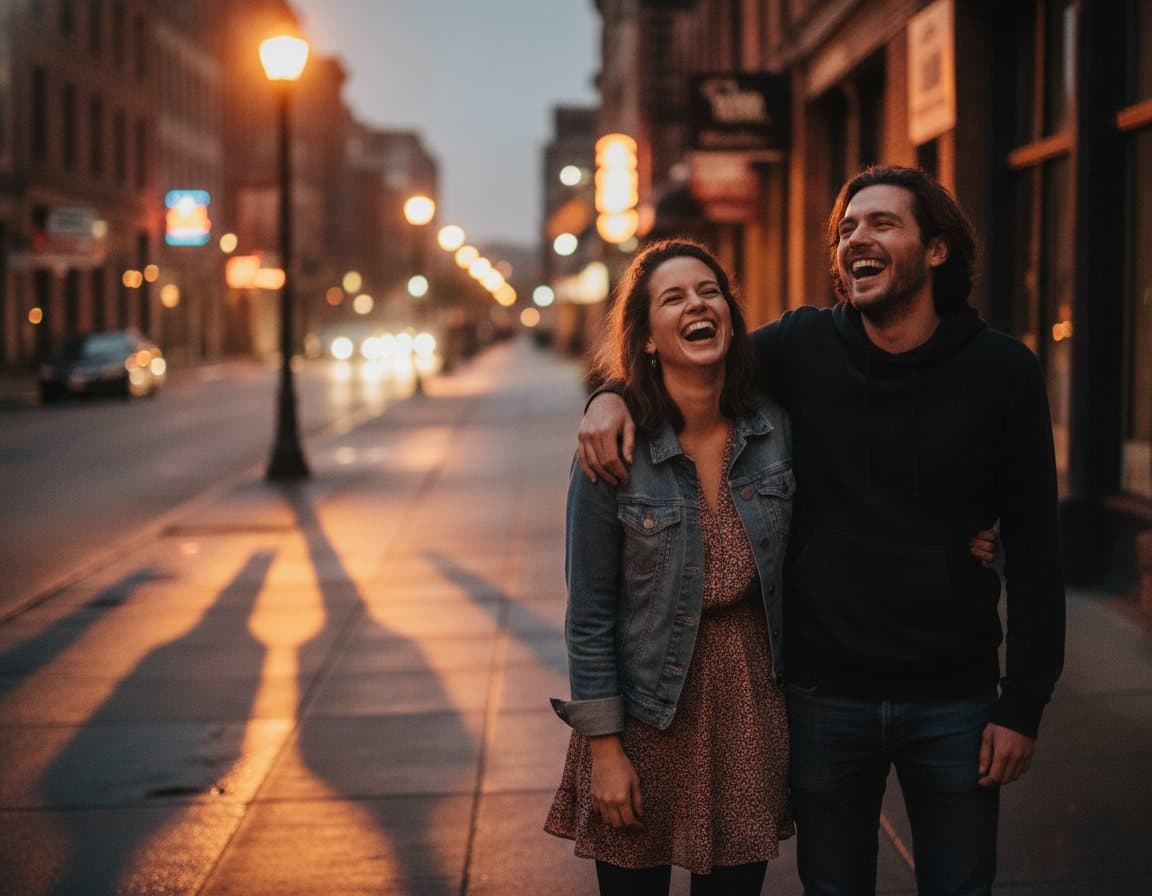
Identity is protected on every pass — features, skin tone, hair, expression. The model rebuilds the light around a person, not the person.
A subject moved into a new scene gets a contact shadow, matched colour temperature and the right falloff. That's the difference between a composite and a cut-out.
Packaging text, brand marks and signage come through legible instead of being redrawn into plausible nonsense. It's the failure mode we test hardest against.
Square for the grid, 9:16 for stories, 4:3 for print, or keep the shape of whatever you uploaded. Chosen before the render, not cropped after.
Around ten seconds per merge, so trying a second phrasing costs you a coffee sip rather than a coffee break. Most good results are the second attempt.
Uploads are never used for training and never sold. Delete a merge and its source images go with it, permanently, from the workspace.
Different jobs, same underlying problem: two images that need to become one, and no appetite for an afternoon of masking.

One clean pack-shot becomes twenty lifestyle images without booking a studio or a set.
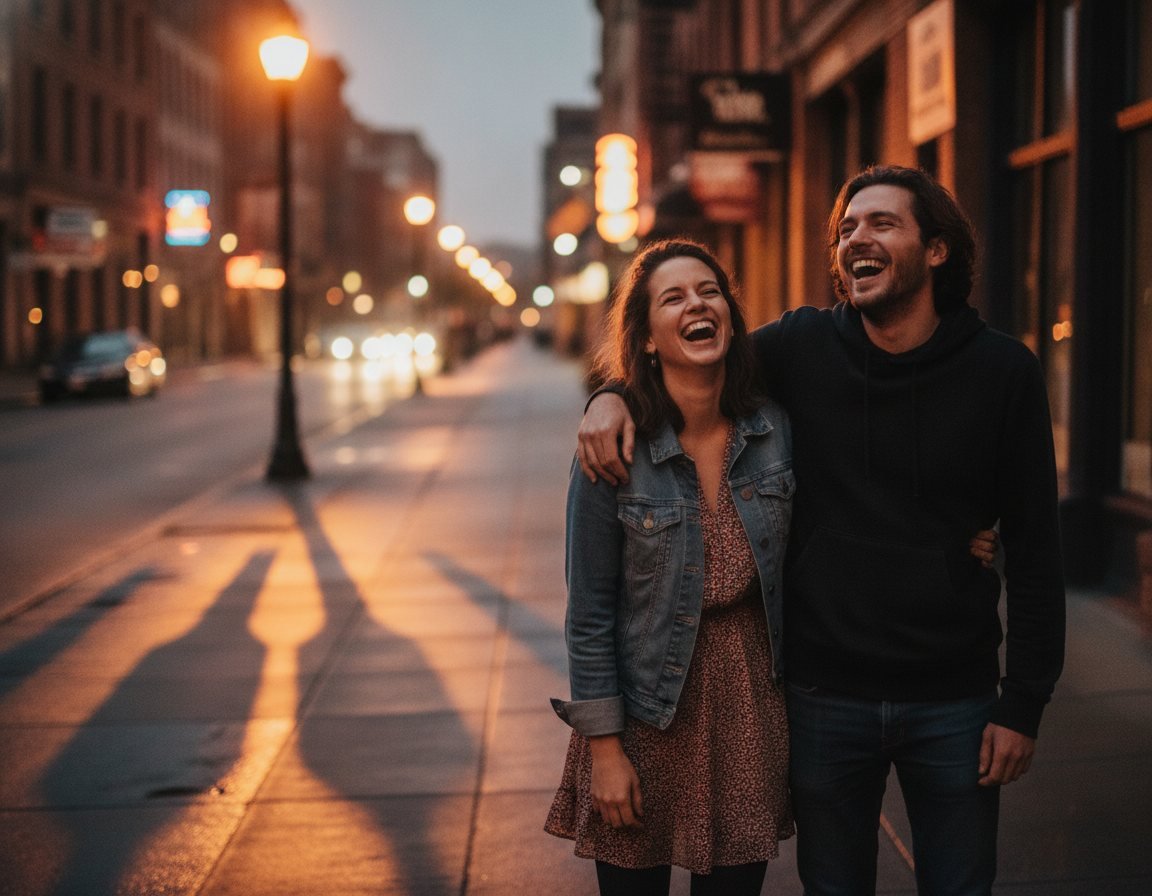
Get everyone into one photo, even when nobody was in the same room — or the same country.
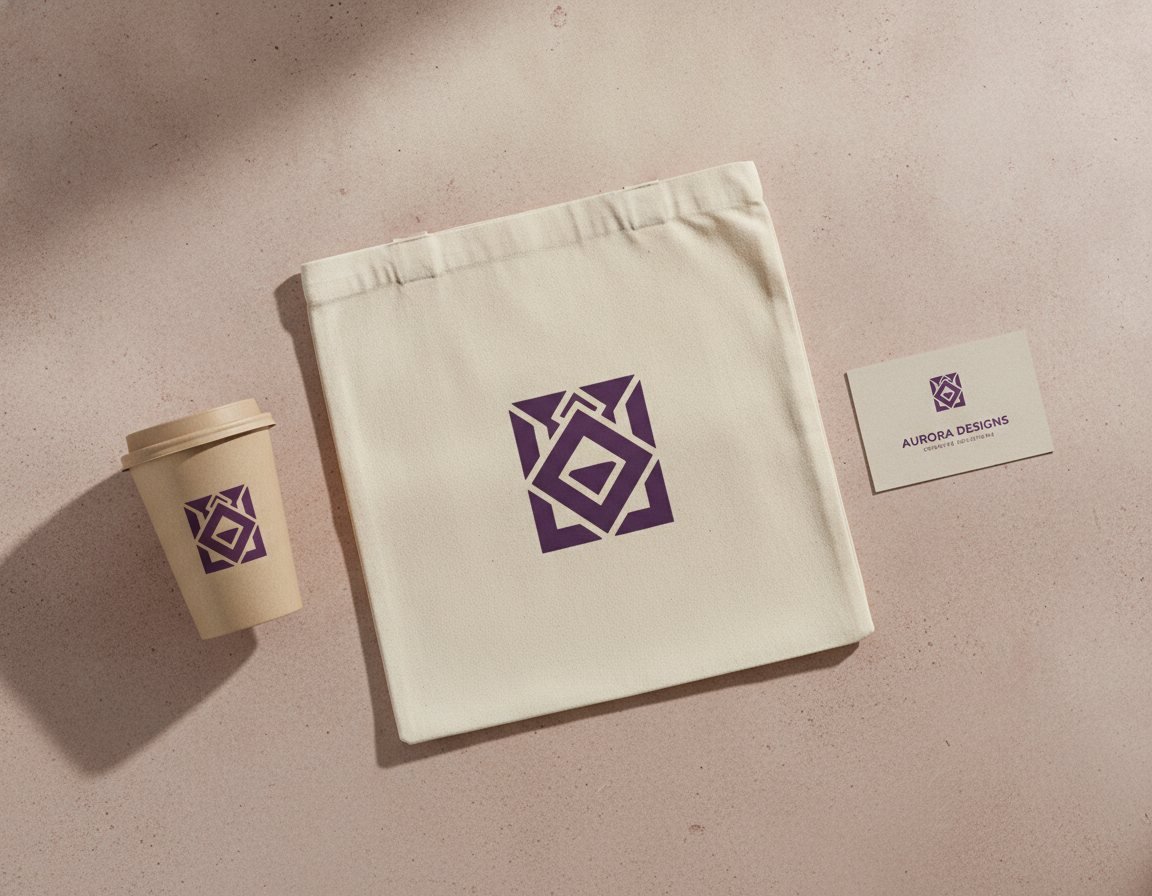
Mockups, key visuals and pitch decks, done in the time it used to take to open the brief.
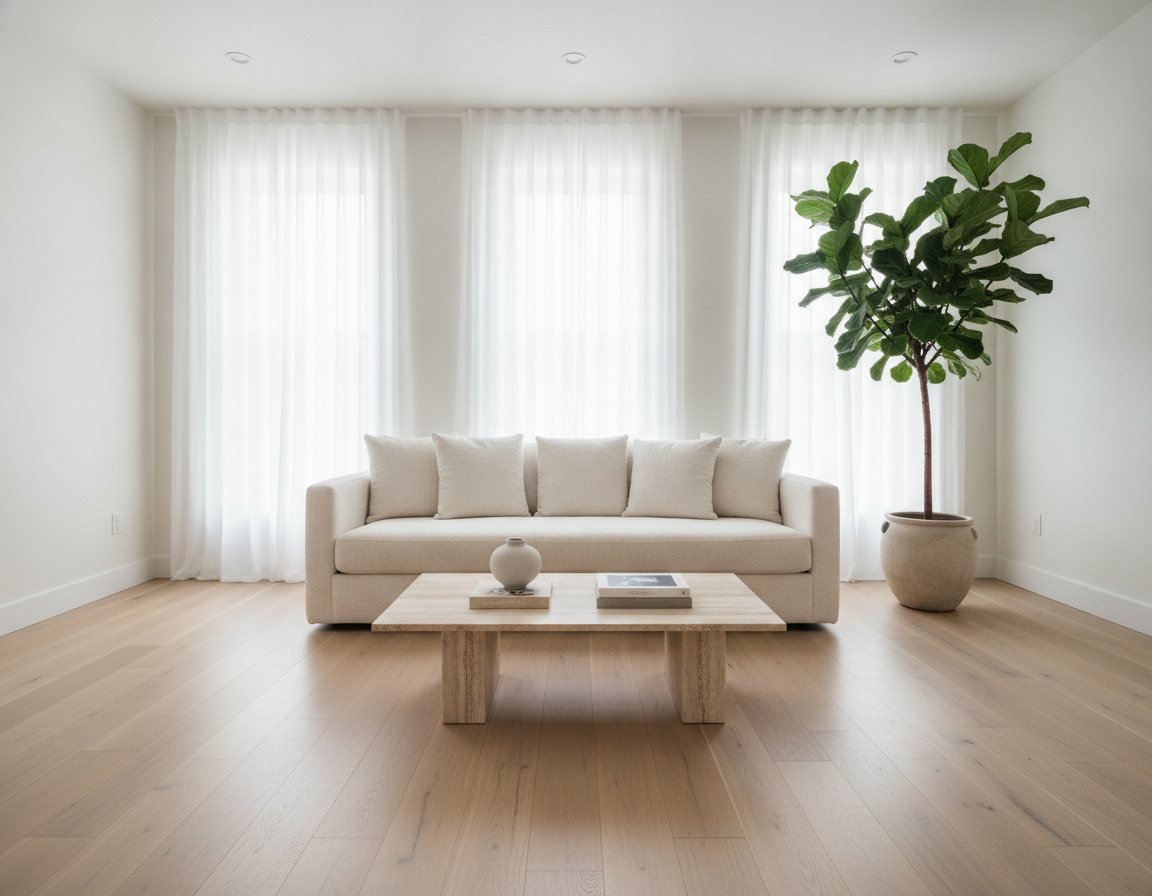
Stage an empty room from a reference photo and keep the architecture exactly as it is.
Photoshop still wins on control, and we'd tell you to use it for a hero image that has to be perfect. For the other ninety images, this is the trade most people want.
| Best Image Combiner | Manual editing | |
|---|---|---|
| Time for one finished merge | About 10 seconds | 20–60 minutes |
| Skills you need first | Type a sentence | Masking, feathering, colour matching |
| Matches lighting automatically | ||
| Adds contact shadows | By hand, per image | |
| Keeps faces recognisable | ||
| Keeps packaging text intact | ||
| Cost per image | 1 credit (from $0.04) | Your hourly rate |
| Batch a whole catalogue | Actions, then cleanup |
Four notes we asked permission to publish. No incentives, no edits beyond trimming for length.
“We photograph 60 products a week and every one needs three lifestyle variants. This turned a two-day retouching cycle into an afternoon. The label detail holds up, which is the part I was sceptical about.”
“My parents live 4,000 miles away and haven't been in a photo with our daughter yet. I stitched three phone pictures into one and my mother cried. That's not a review of software, but it's what happened.”
“I bill by the hour, so anything that removes masking work is money. I still finish in Photoshop, but I start from something 80% there instead of a blank canvas.”
“The prompt guidance is the useful bit. It told me my instruction was vague before it wasted a credit, which no other tool I've paid for does.”
Two annual plans and a one-off credit pack. No seat fees, no per-export charges, and no monthly subscription to forget about.
Subscriptions are annual only — you pay the full year once. Any monthly figure shown is the annual price divided by twelve, for comparison, and is never charged monthly.
For steady, personal-scale work. Billed once a year.
$99.99/ year
$8.33 / month average
Charged as one annual payment of $99.99.
600 credits for the year
For people shipping images every week. Billed once a year.
$199.00/ year
$16.58 / month average
Charged as one annual payment of $199.00.
2,000 credits for the year
A one-off pack. No subscription, no renewal.
$29.00one-off
Pay once. No subscription and no renewal.
150 credits that never expire
If yours isn't here, send it over — a person reads every message.
Upload and arrange your images on the home page without an account. When you're happy with the setup, choose an annual plan or a one-off credit pack and the merge runs straight away.
Optional, but it writes most of the instruction for you.
Say who goes where, which light wins, and what must not change. Specific beats poetic.
Ready when you are
Set your images up here — you'll sign in and choose a plan before the image is made.
Multiple photos, one result


Turn your photos into one picture
Set your images and instruction up now — merging asks you to sign in and pick a plan, and nothing you've done gets lost.