What it does, described in things you can check
Every tool in this category claims to be powerful and intuitive. Here is the specific list instead — the behaviours you can verify on your own photos inside five minutes.
The hard part was never
putting two pictures side by side
It was making the second one look like it was always there. Six things we spend our engineering time on, in order of how often they break other tools.
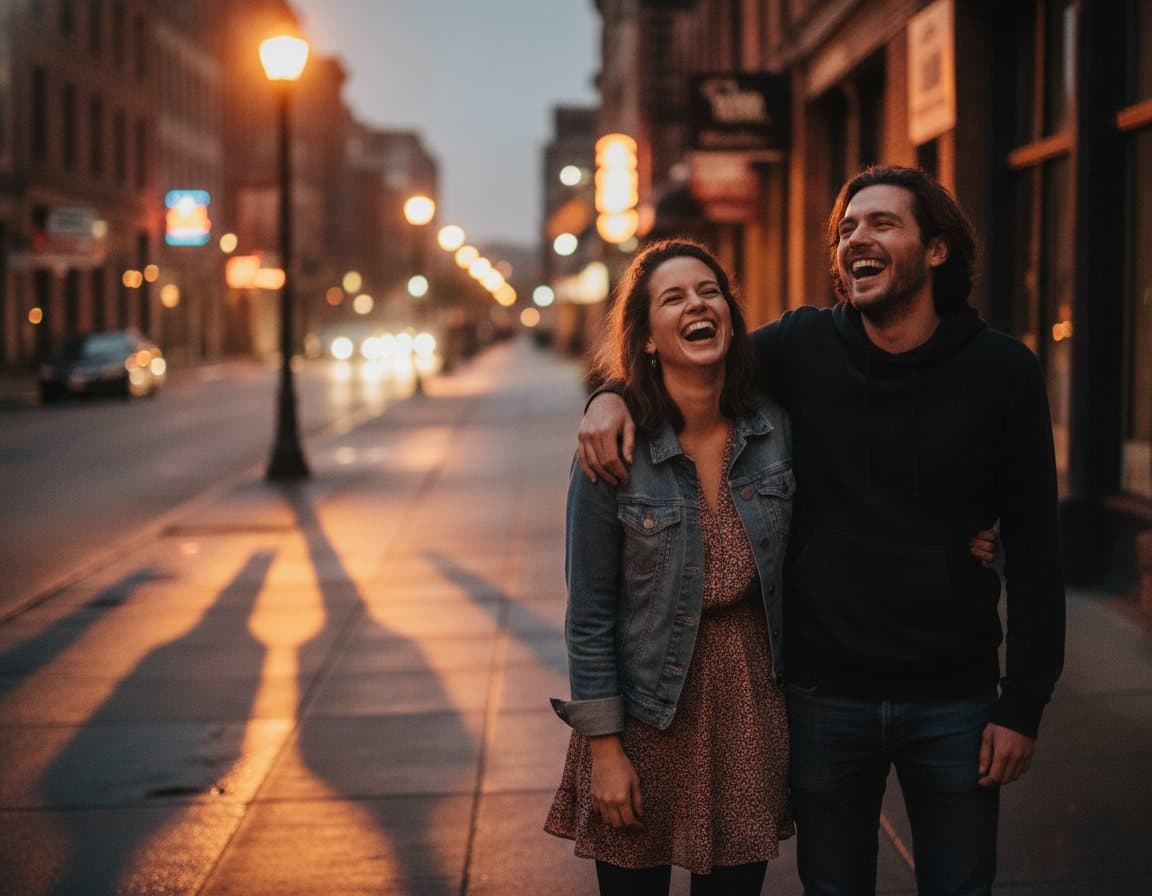
Faces stay the same face
Identity is protected on every pass — features, skin tone, hair, expression. The model rebuilds the light around a person, not the person.
Shadows that agree with the light
A subject moved into a new scene gets a contact shadow, matched colour temperature and the right falloff. That's the difference between a composite and a cut-out.
Labels and logos survive
Packaging text, brand marks and signage come through legible instead of being redrawn into plausible nonsense. It's the failure mode we test hardest against.
Aspect ratios that fit where it's going
Square for the grid, 9:16 for stories, 4:3 for print, or keep the shape of whatever you uploaded. Chosen before the render, not cropped after.
Fast enough to iterate
Around ten seconds per merge, so trying a second phrasing costs you a coffee sip rather than a coffee break. Most good results are the second attempt.
Your photos stay yours
Uploads are never used for training and never sold. Delete a merge and its source images go with it, permanently, from the workspace.
Limits, formats and timings
The details you'd otherwise have to find out by hitting them.
- Images per merge
- Up to 4
- Max upload size
- 12 MB per file
- Formats in
- JPG · PNG · WebP
- Format out
- PNG, full resolution
- Typical time
- 8–14 seconds
- Aspect ratios
- Auto · 1:1 · 4:3 · 3:4 · 16:9 · 9:16
- History retention
- Unlimited while your plan or credits are active
- Commercial use
- Included on Creator and Studio
Against doing it by hand
Photoshop still wins on control, and we'd tell you to use it for a hero image that has to be perfect. For the other ninety images, this is the trade most people want.
| Best Image Combiner | Manual editing | |
|---|---|---|
| Time for one finished merge | About 10 seconds | 20–60 minutes |
| Skills you need first | Type a sentence | Masking, feathering, colour matching |
| Matches lighting automatically | ||
| Adds contact shadows | By hand, per image | |
| Keeps faces recognisable | ||
| Keeps packaging text intact | ||
| Cost per image | 1 credit (from $0.04) | Your hourly rate |
| Batch a whole catalogue | Actions, then cleanup |
Set your merge up, then pick a plan
Upload and arrange your images on the home page without an account. When you're happy with the setup, choose an annual plan or a one-off credit pack and the merge runs straight away.